 Github
 Slack
Slack
Sentry Logs search now supports regular expressions (regex), so that you can search log lines that match a pattern, not just by the exact text.
Searching by contains only works well when you know the exact text you are looking for. When you only know the shape of the log, regex search lets you describe the pattern you are looking for and returns only the lines that match.
In Explore → Logs, filter on any string attribute, click the operator dropdown, and select matches regex.
Here are a few examples:
- Find timeouts of any duration:
message://^Timeout after \d{3,}ms// - Catch several phrasings of one failure:
message://(?i)(connection timeout|lost connection|deadline exceeded)// - Exclude noisy errors:
!message://(ConnectionReset|ReadTimeout)Error// - Focus on one part of your codebase:
code.file.path://^src/(payments|billing)//
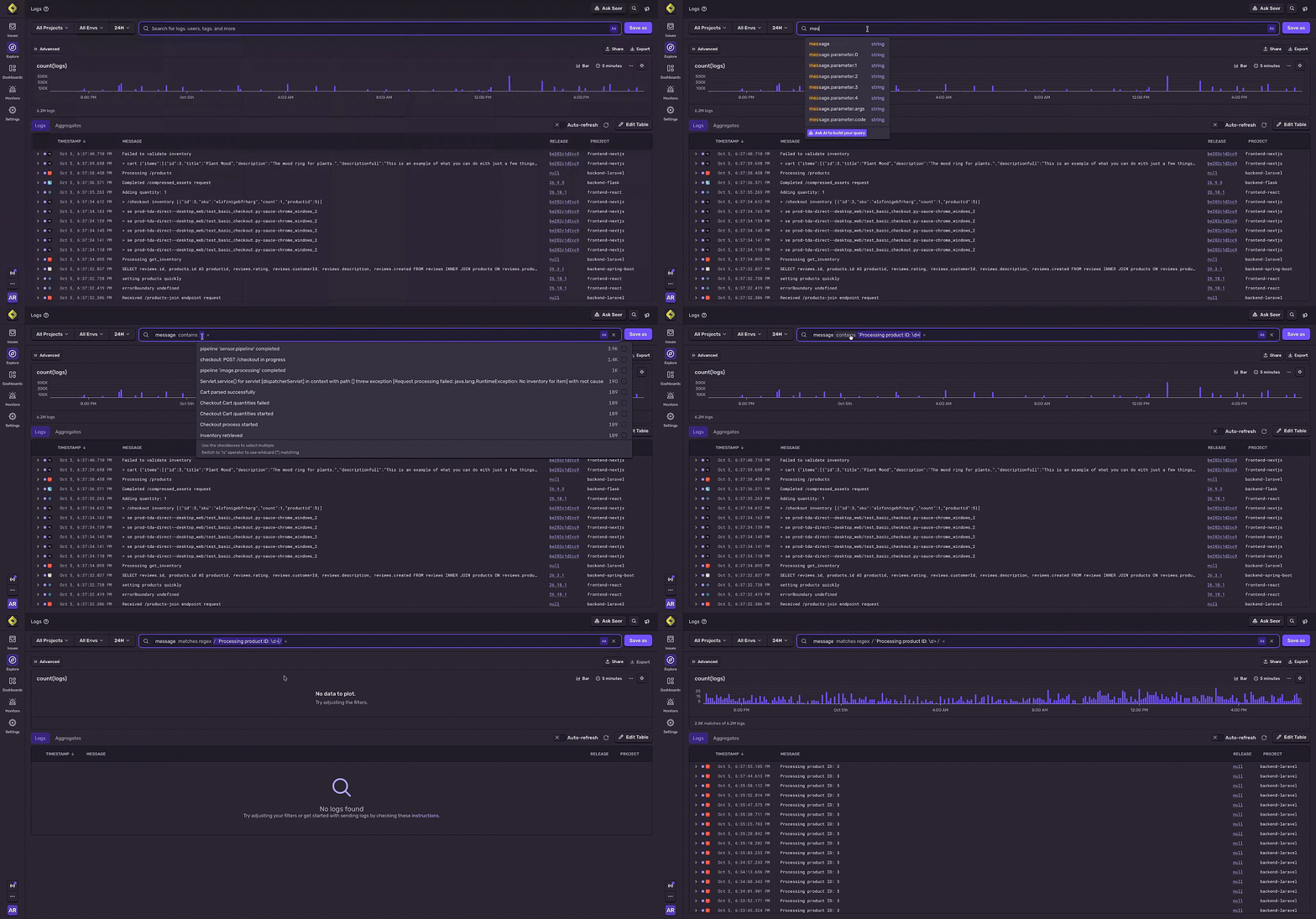
Regex search is especially useful for logs you didn't write yourself, like logs from your database or a third-party library, or for answering questions you didn't think of when you set logging attributes.
Patterns use RE2 syntax, are case-sensitive by default (start with (?i) to ignore case), and can be up to 64 characters. Learn more about regex search in our logs docs.