
We just launched our GitHub Copilot integration in open beta for all Seer customers. Now when Seer finds a bug, Copilot Business and Copilot Enterprise users can hand it off to Copilot—with all the context Sentry has about the issue—to write the fix.
Get started:
In Sentry, navigate to [Settings > Integrations](https://sentry.io/settings/integrations/) and search for GitHub Copilot. Click Install Go to a Sentry issue and click Start Root Cause Analysis. Once root cause analysis completes, click Set Up GitHub Copilot in the Seer panel. Complete the authorization and redirect flow to connect your GitHub account.
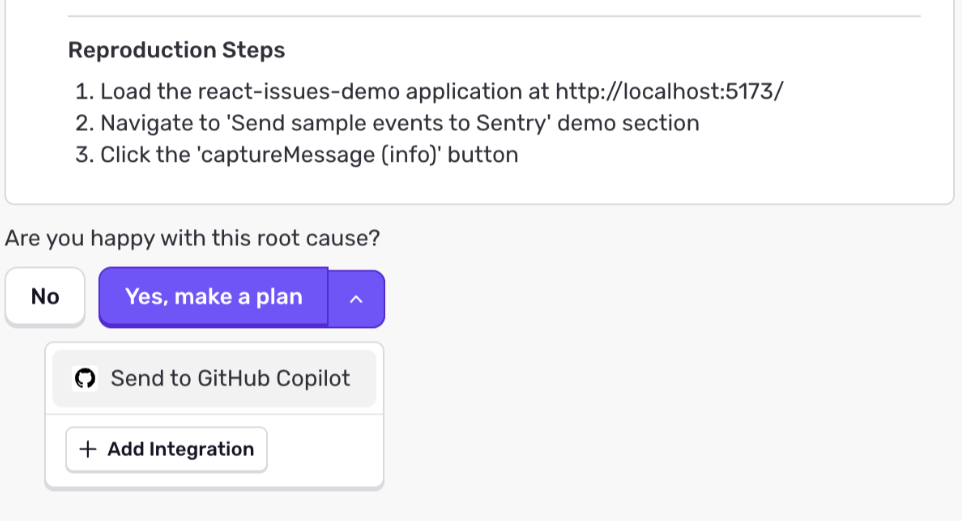
Now, you will start seeing Send to Copilot in the dropdown when Seer root cause analysis completes. Once finished, a link to the Copilot agent run will appear.
Check out the docs for more. Access for Copilot Pro and Pro+ users is coming soon.
 Github
 Slack
Slack