Github
 Slack
Slack
We’ve upgraded table widgets in dashboards to improve the overall consistency and user experience. The changes are currently rolled out to early adopters, with general rollout planned soon after.
What’s changed?
Table columns can now be temporarily sorted and resized.
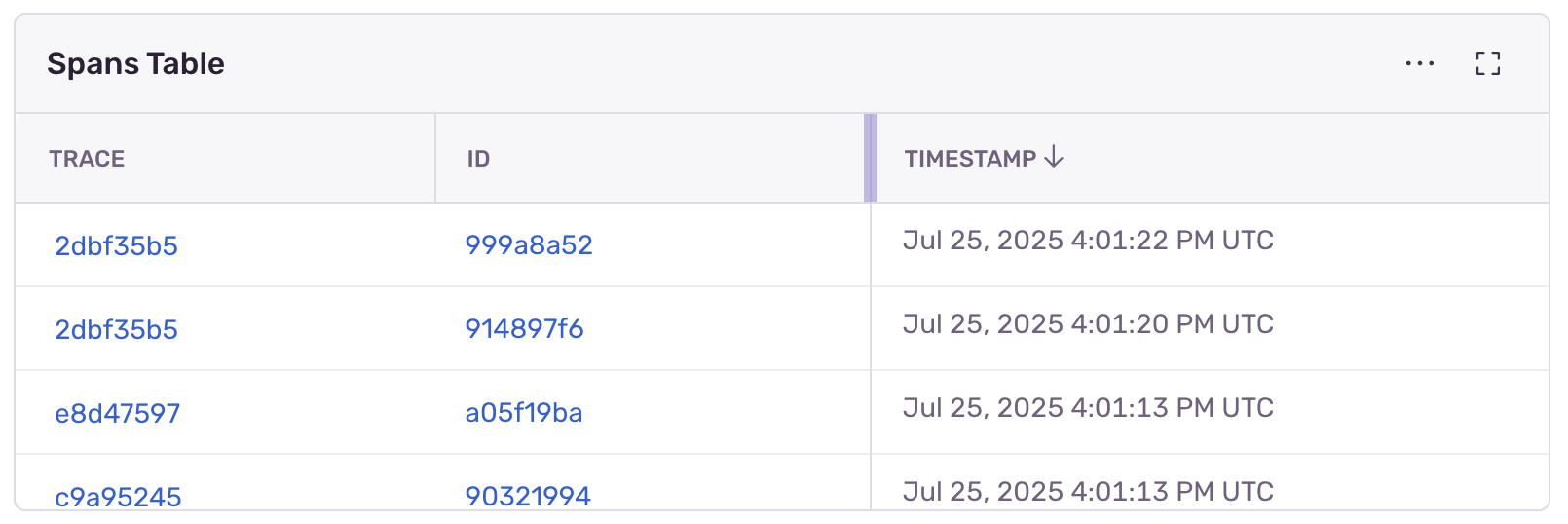 Note: Sorting is limited in Issues and Releases tables due to some columns not supporting sort order.
We’ve linkified several additional types of columns, including trace, id, replayId and project.id cells.
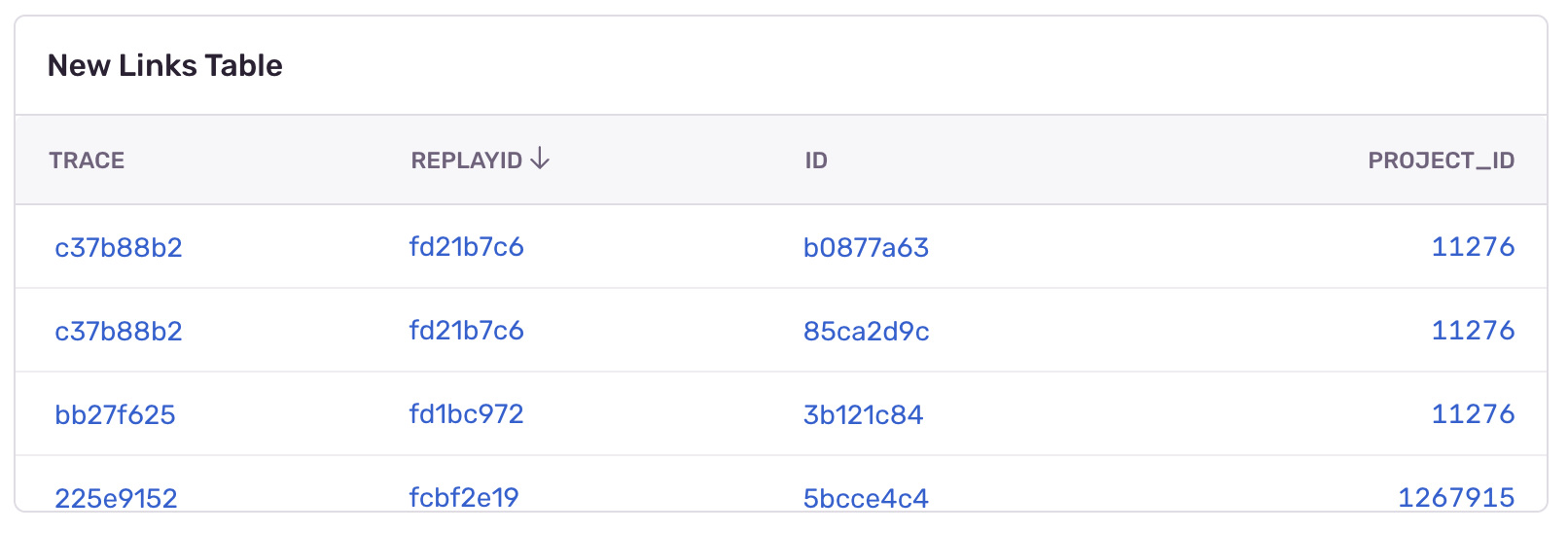
We’ve made several small additional UI updates:
-
Adding Icons for
browser,browser.name,os, andos.namecells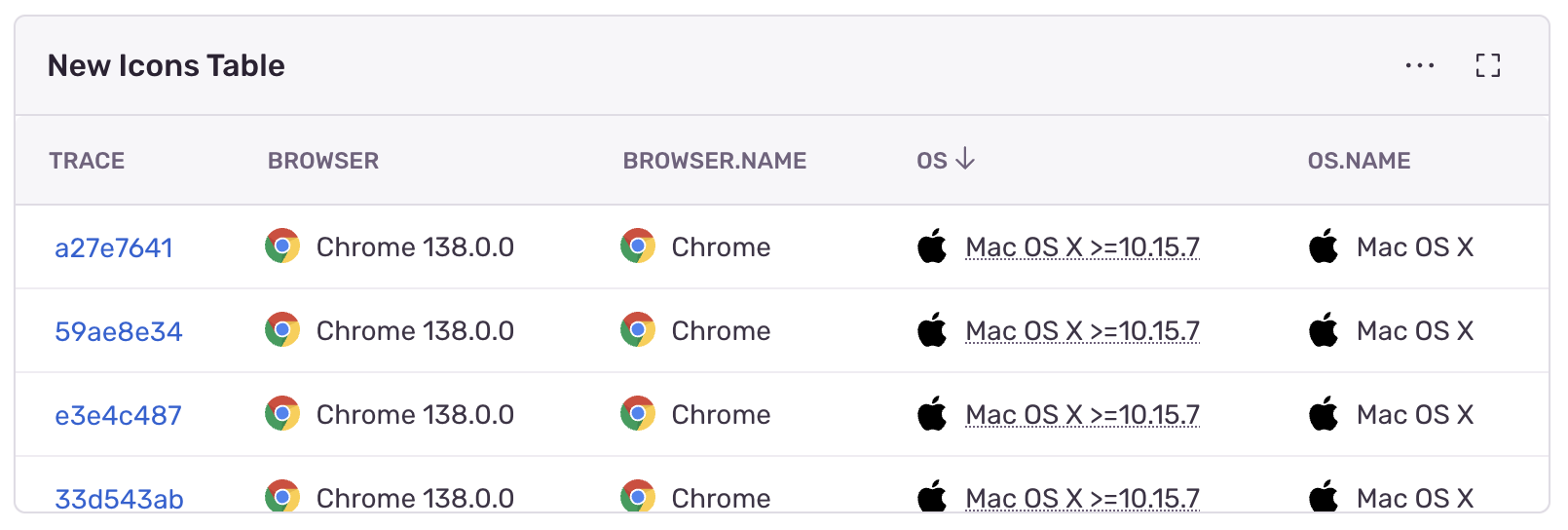
-
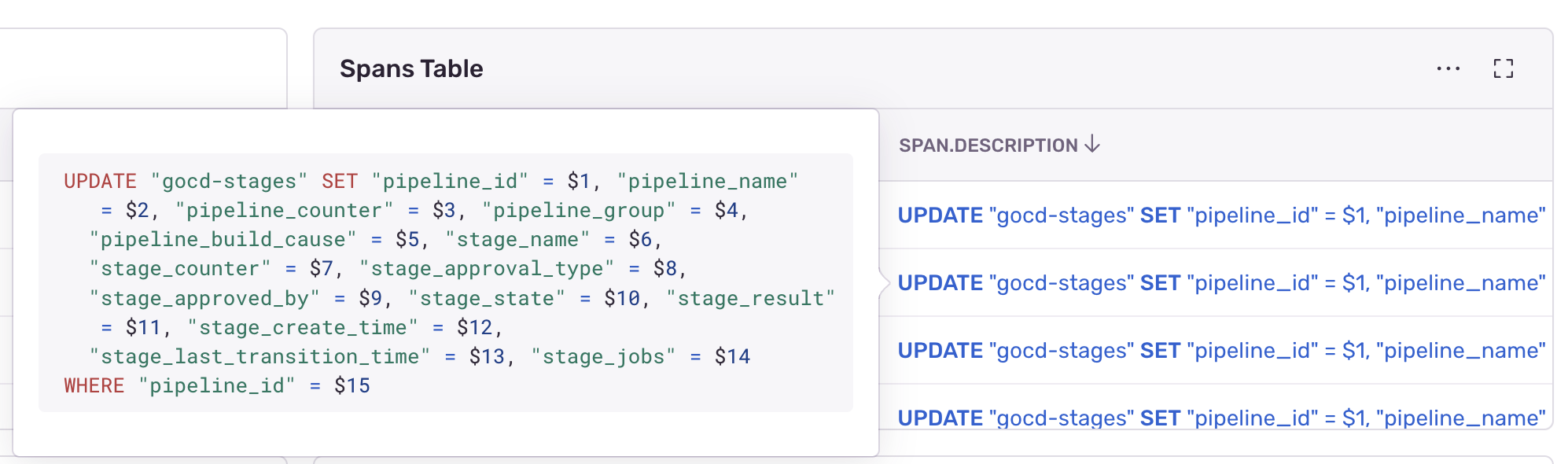
Adding rich hover popups for
issueand certainspan.descriptioncells (dependent on thespan.opcolumn)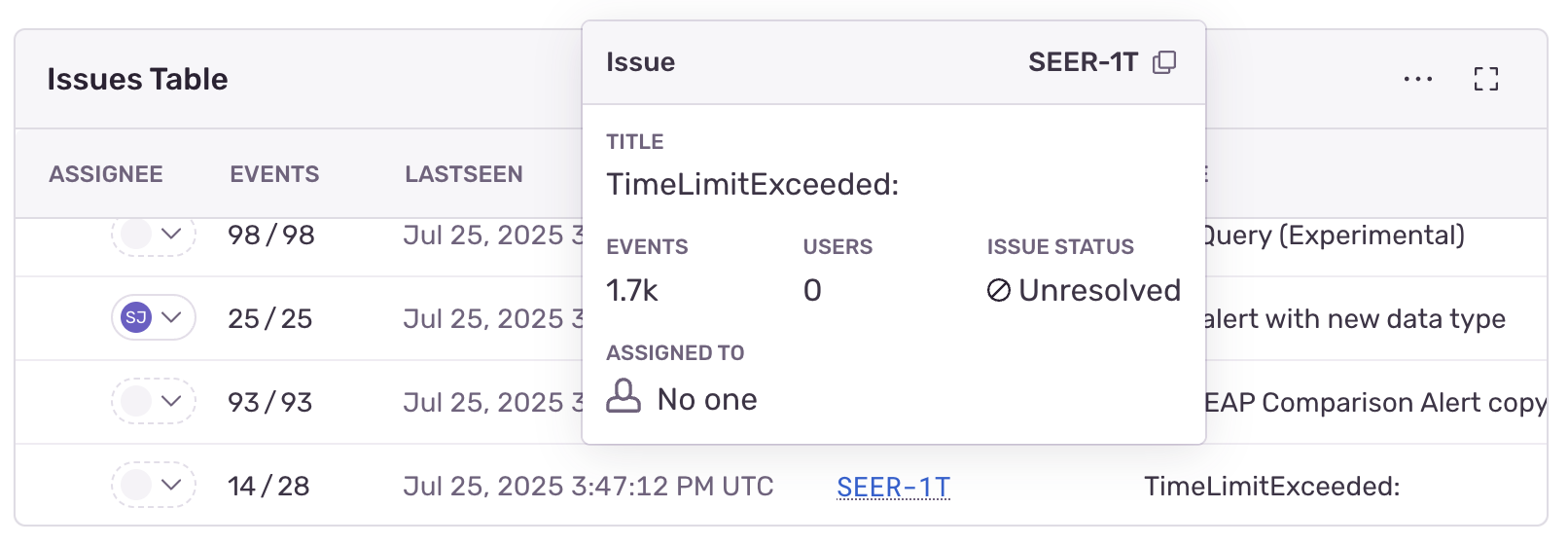
-
Improving date formatting for
timestampcells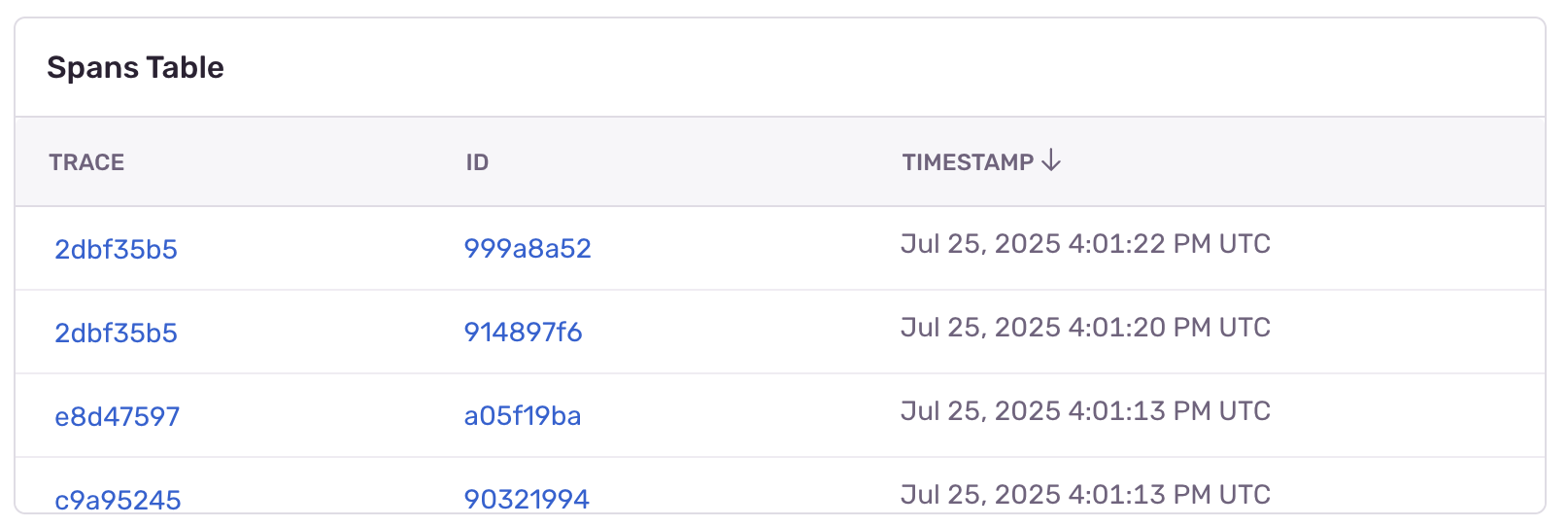
Future work planned
This is just the beginning, with the next major change focusing on interactive table cells. The main features planned are:
- Copying a table cell’s text to the clipboard
- Opening external links in a new tab
- Opening a sample row for Spans table in Explore
- Opening an aggregate row and viewing all related samples for Spans table in Explore
Questions? Feedback? Join the conversation in Discord or the discussion in GitHub .