Session Replay Quickstart
Install the SDK, configure privacy settings, and start viewing user sessions in your Sentry dashboard.
2Setup
Configure your Sentry SDK with the Replay integration. Set your DSN and customize replay options to start capturing user sessions.
The code snippet shows the basic setup required to enable Session Replay in your application.
Learn more about Session Replay setupimport * as Sentry from '@sentry/nextjs';
Sentry.init({
dsn: 'https://examplePublicKey@o0.ingest.sentry.io/0',
replaysSessionSampleRate: 0.1,
replaysOnErrorSampleRate: 1.0,
integrations: [Sentry.replayIntegration()],
});3Configure
Sample Rates
Control what percentage of sessions to capture. Use replaysSessionSampleRate for regular sessions and replaysOnErrorSampleRate to always capture sessions with errors. Set to higher values during development, lower in production to manage costs.
import * as Sentry from '@sentry/nextjs';

Sentry.init({
  dsn: 'https://examplePublicKey@o0.ingest.sentry.io/0',
  replaysSessionSampleRate: 0.1,
  replaysOnErrorSampleRate: 1.0,
  integrations: [Sentry.replayIntegration()],
});Privacy Controls
All data is masked by default. Control masking with maskAllText and blockAllMedia options. Selectively unmask elements by adding CSS classes: sentry-unmask to show text, or use sentry-mask, sentry-block, and sentry-ignore for fine-grained control.
import * as Sentry from '@sentry/nextjs';

Sentry.init({
  dsn: 'https://examplePublicKey@o0.ingest.sentry.io/0',
  replaysSessionSampleRate: 0.1,
  replaysOnErrorSampleRate: 1.0,
  integrations: [
    Sentry.replayIntegration({
      maskAllText: true,
      blockAllMedia: true,
    }),
  ],
});
4 See It In Action
View Your First Replay
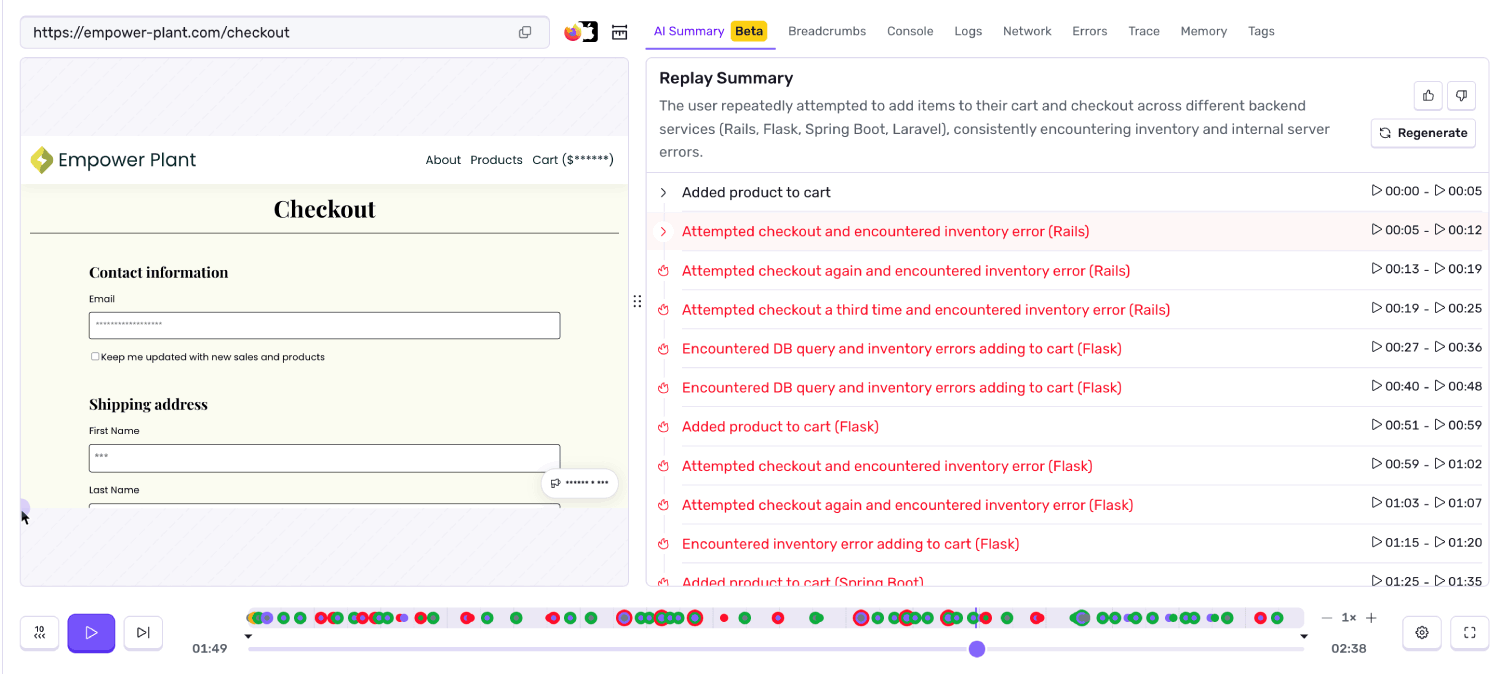
After installing, trigger an error in your app to generate your first replay. Go to Issues > [click any error] > Replays tab to see the session. Or view all replays in Explore > Replays. Click the timeline to jump to specific moments, inspect DOM state, and review console logs and network activity.
Learn more about Session Replay features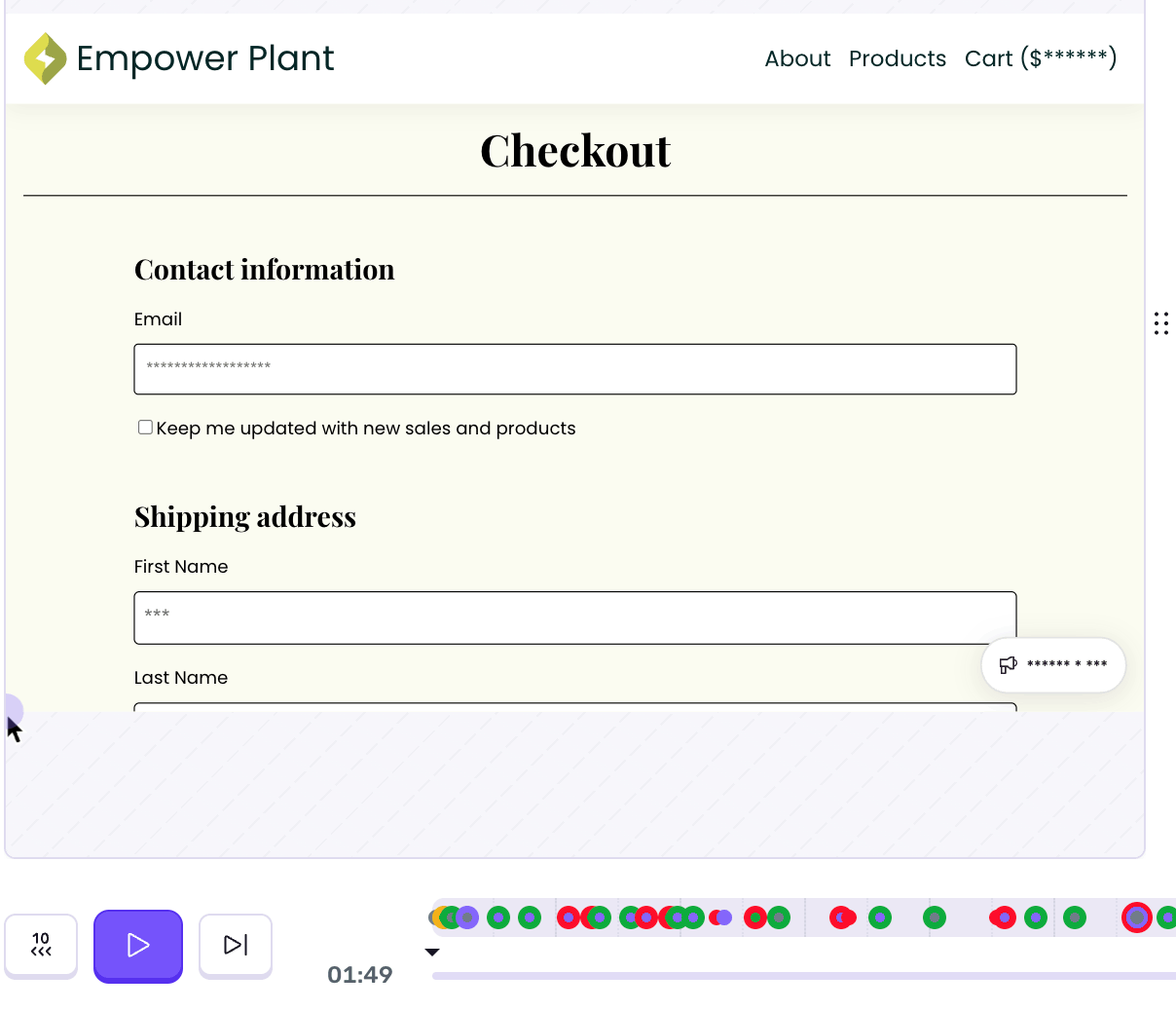
Use AI Summaries to Triage Faster
Open any replay and look for the "Summary" panel at the top. The AI summary highlights key user actions, clicks, and navigation that led to the error. Use this to quickly assess if the replay is worth watching in full.
Learn more about AI Summaries