Automated Debugging
Your code has bugs. Sentry finds them, figures out what caused them, and helps your agents fix them.
Bug fixing is mostly grunt work: reproduce, trace, patch, repeat. It's a process that is begging to be automated. Enter AI agents. Agents are great at completing the tasks we give them, but when it comes to working on your production codebase, they could use some help. Sentry seamlessly fits into agentic workflows and provides agents with the context they need to fix bugs, for good.
What is automated debugging?
Automated debugging is creating an agentic workflow for detecting, diagnosing, and fixing bugs in production with little or no manual work being put on your developers. Instead of an engineer catching an error, reproducing it, and writing a patch by hand, the system runs the whole loop on its own.
- 1
Detect
Bugs surface two ways: in a pull request before they ship, or in production once code is live. AI bug detection and error monitoring catch both, with the full context needed to act on them.
- 2
Diagnose
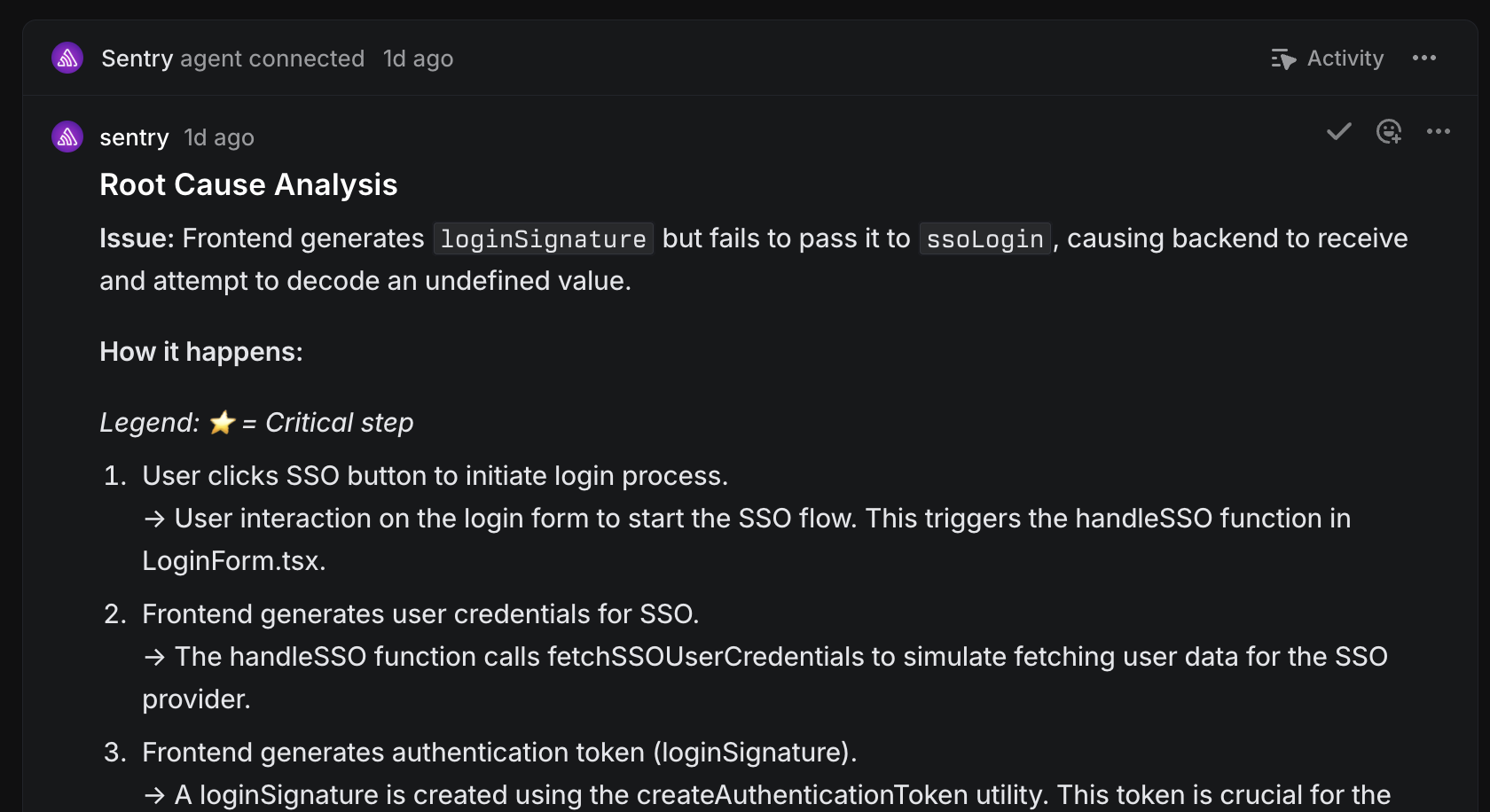
Automated root cause analysis traces the error from its symptoms back to the exact lines of code behind it. AI debugging does in seconds what used to mean an hour of local reproduction.
- 3
Fix
Automated fix generation writes the patch and opens a pull request for review. The automation can go further, iterating on CI and review feedback until the fix lands.
Think about your current process. Sentry catches a bug, it sends a notification, a developer gets assigned to fix it, spends time working through the fix, and then merges a PR. With automated debugging, you still follow the same flow, but in a more efficient way.
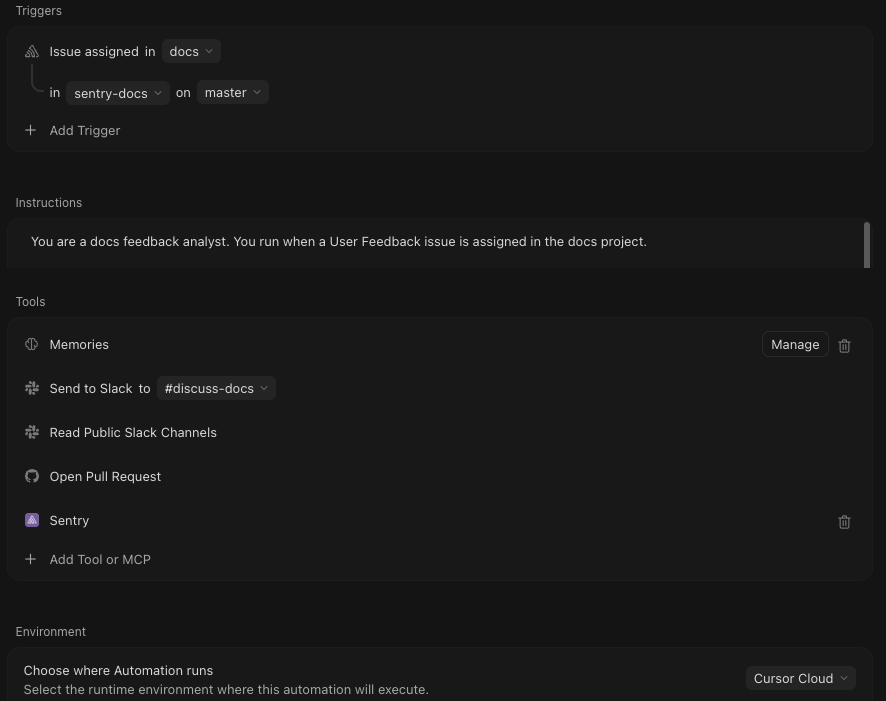
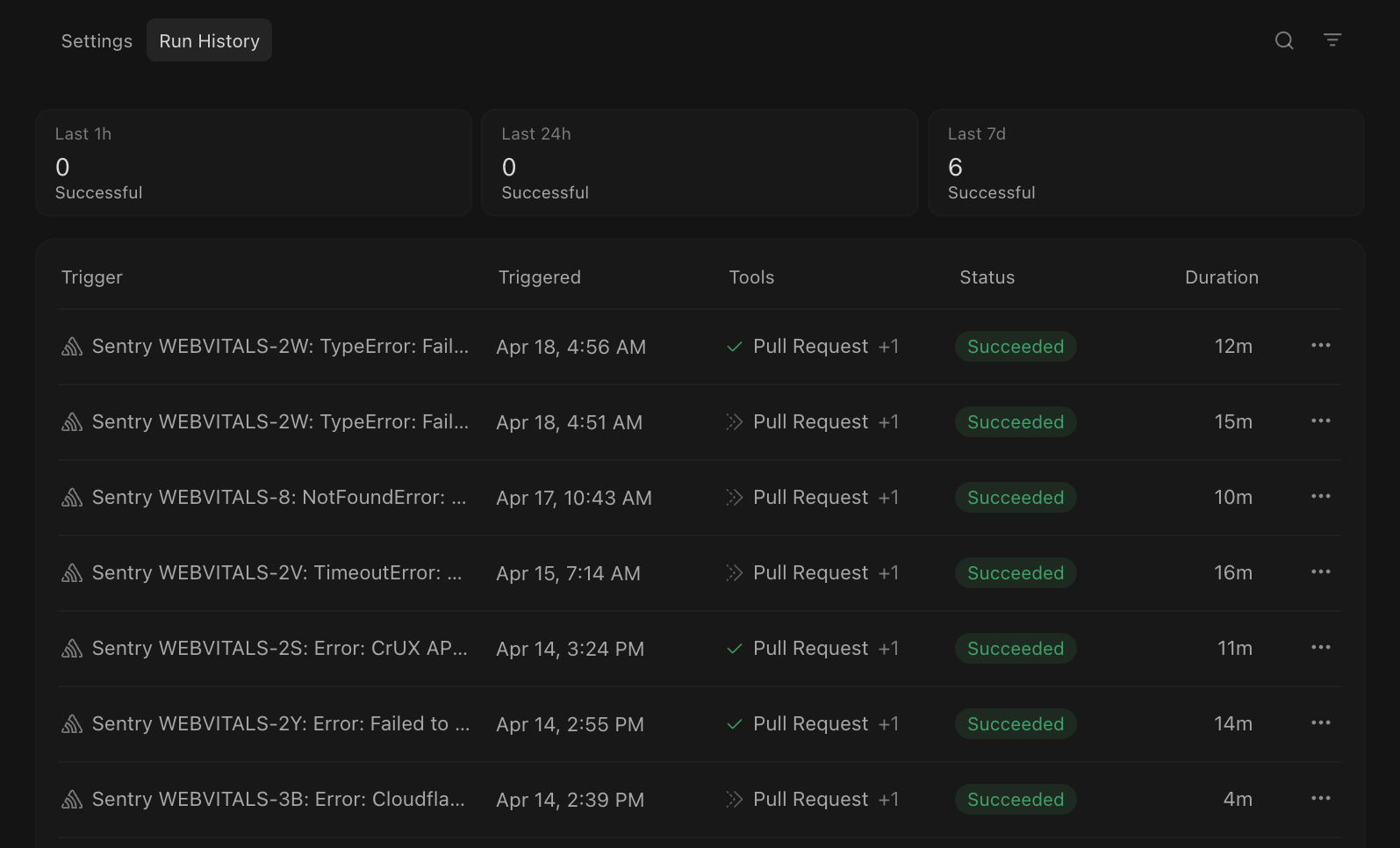
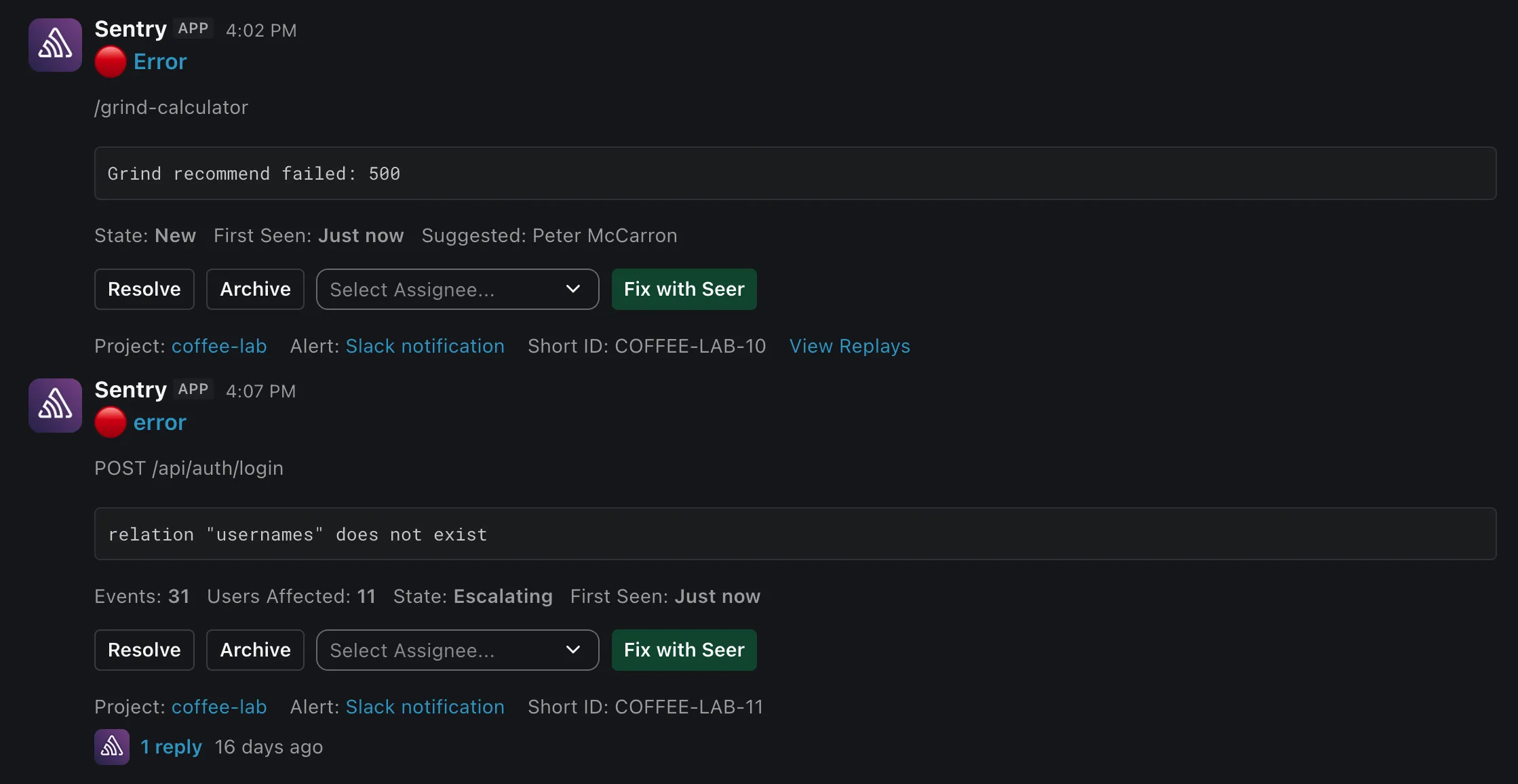
When Sentry catches a bug, instead of just an alert, you could have that issue trigger an AI automation flow. That flow deploys an agent that retrieves a root cause analysis from Seer, the agent uses that RCA to create a fix, and an engineer gets tagged as a reviewer on the PR. No more manual debugging, just review the fix and merge.
The best part: it works with any agent in any workflow. That's automated debugging with Sentry.
How Sentry enables automated debugging
The moment an error fires, Seer already has the stack trace, the commit that introduced it, and the session replay showing what the user did. It traces the root cause through your codebase and writes the fix, all before anyone opens a ticket. That depth of production context, stack traces, source maps, commit history, session replays, is what makes the fixes accurate, and it's available to your own agents through MCP.
- Detect
Sentry context
Errors, traces, session replay, logs, and metrics from your live app: the full-stack context Seer needs to find and fix bugs.
Explore Sentry context → - Detect · Diagnose
Seer Agent
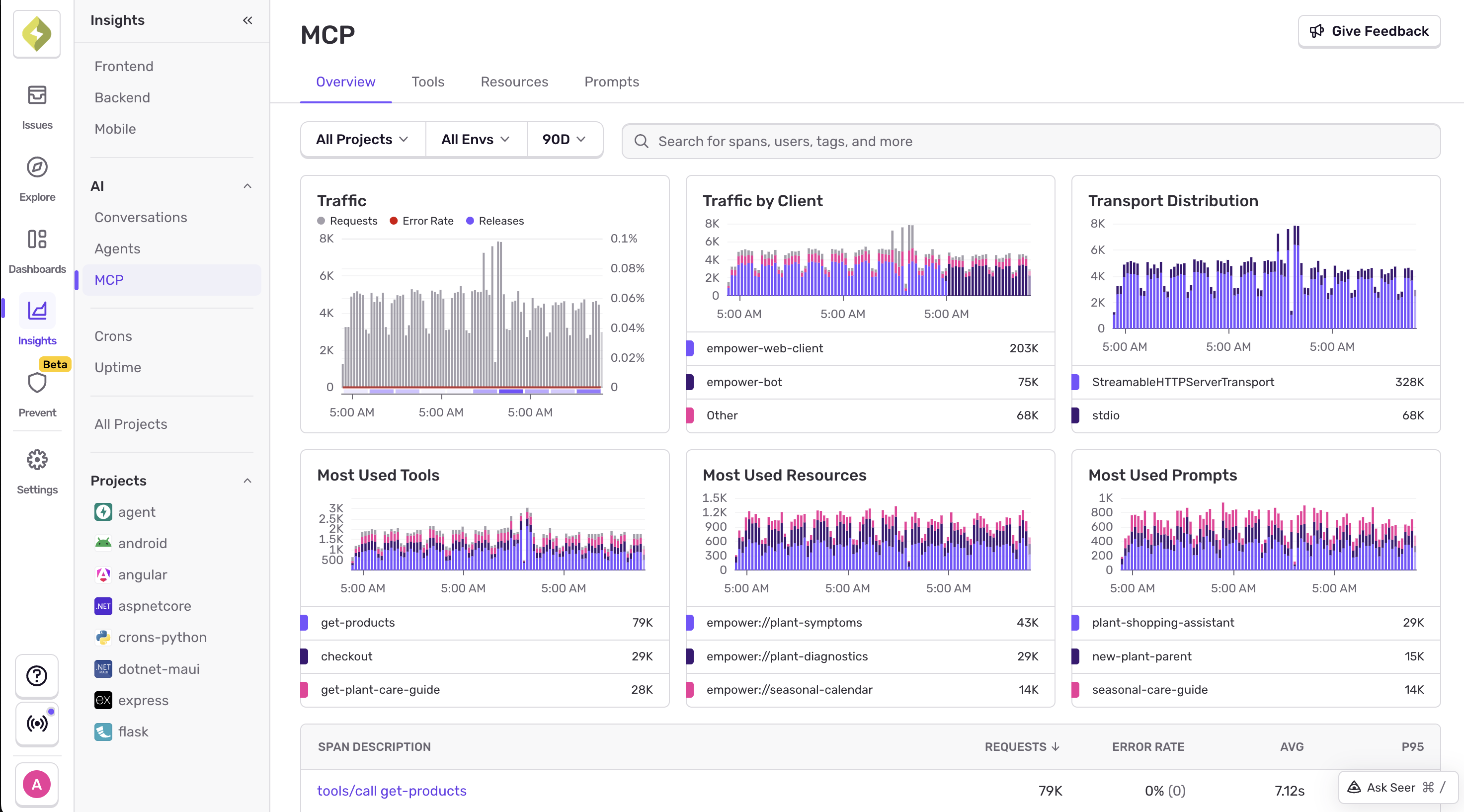
Ask anything about your app in plain English. Seer queries your production data and answers with full context.
Explore Seer Agent → - Diagnose · Fix
MCP server
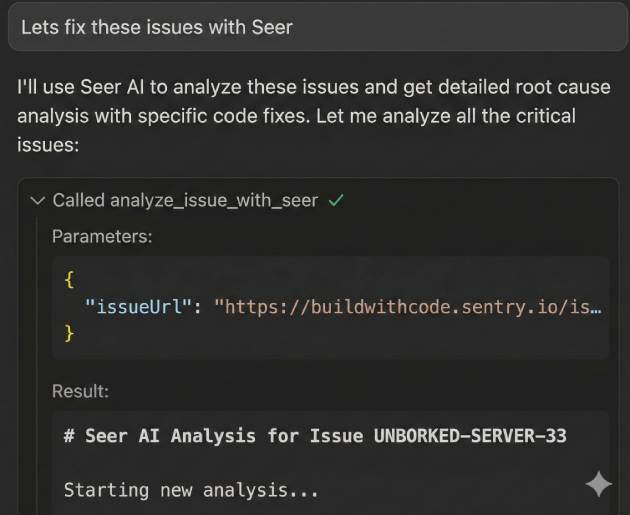
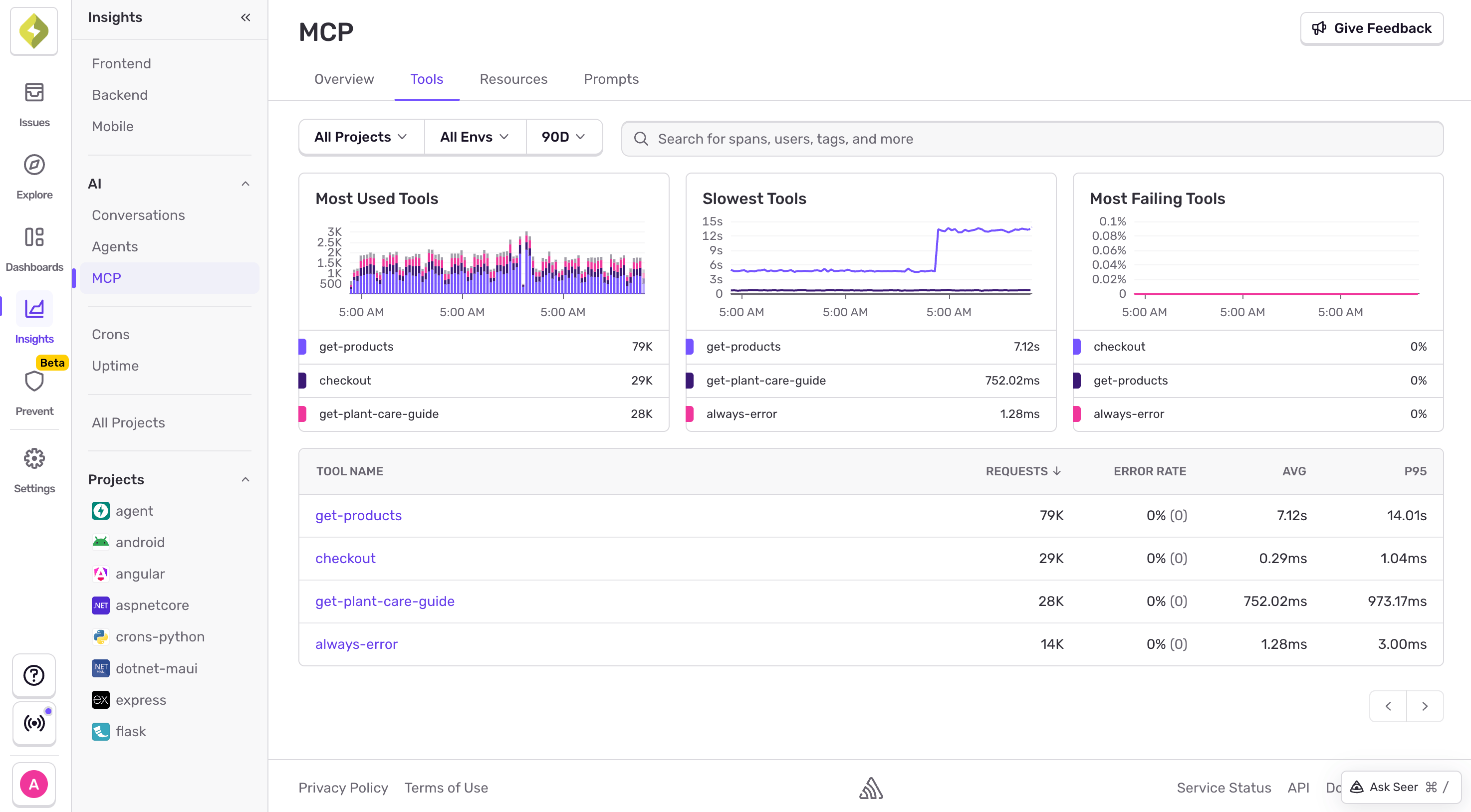
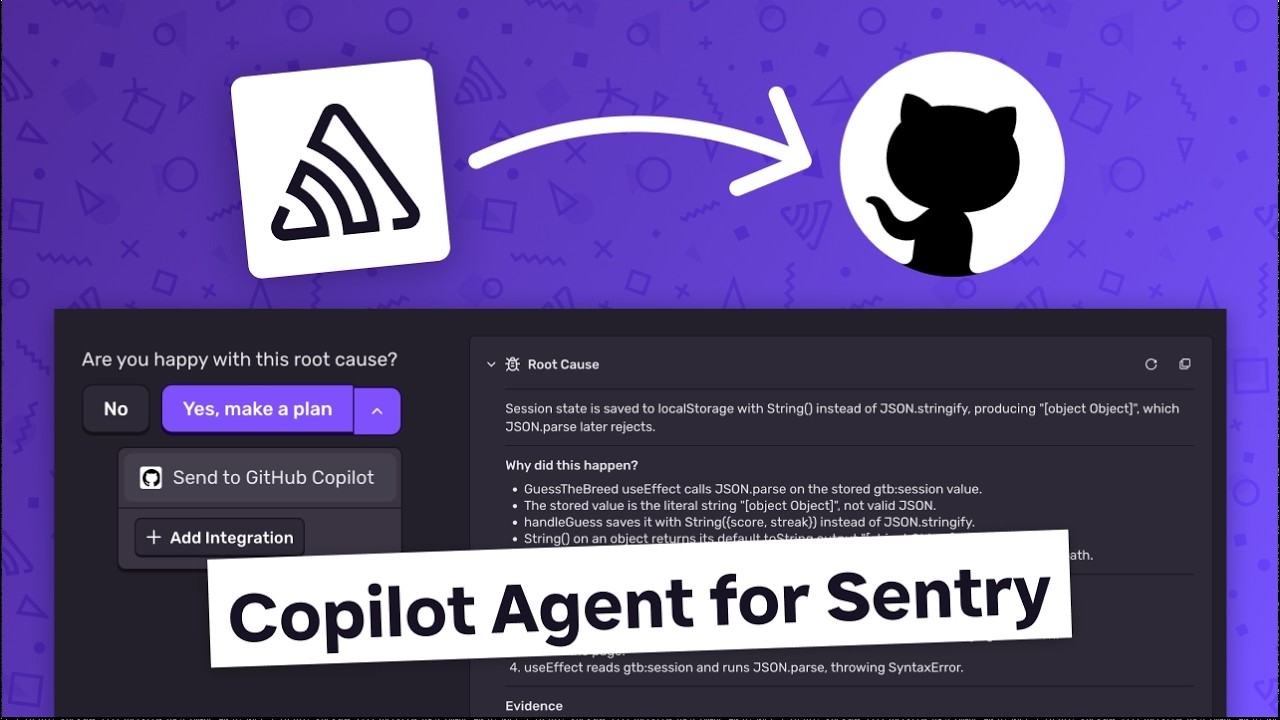
Connect your own agent, Claude Code, Cursor, or anything else, to Sentry through MCP. It can query production issues and ship fixes.
Explore MCP server → - Diagnose · Fix
Seer Autofix
Runs root cause analysis on an issue, then opens a pull request with the fix and an explanation of what went wrong.
Explore Seer Autofix → - Diagnose · Fix
SCM
Connect your source code so Seer can trace the bug through your codebase and open a pull request with the fix. Works with GitHub, GitLab, Bitbucket, and Azure DevOps.
Explore SCM → - Fix
Integrations
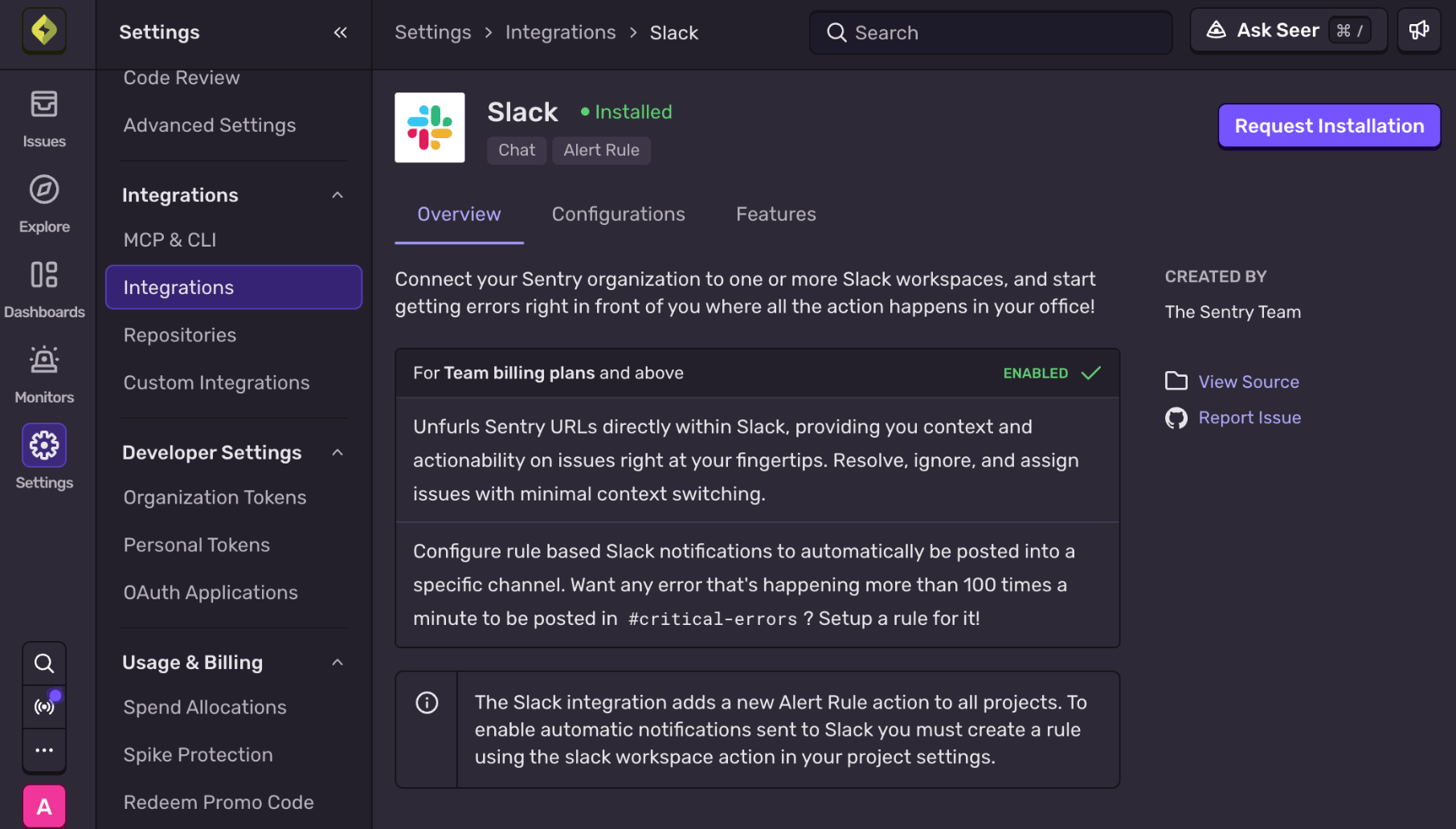
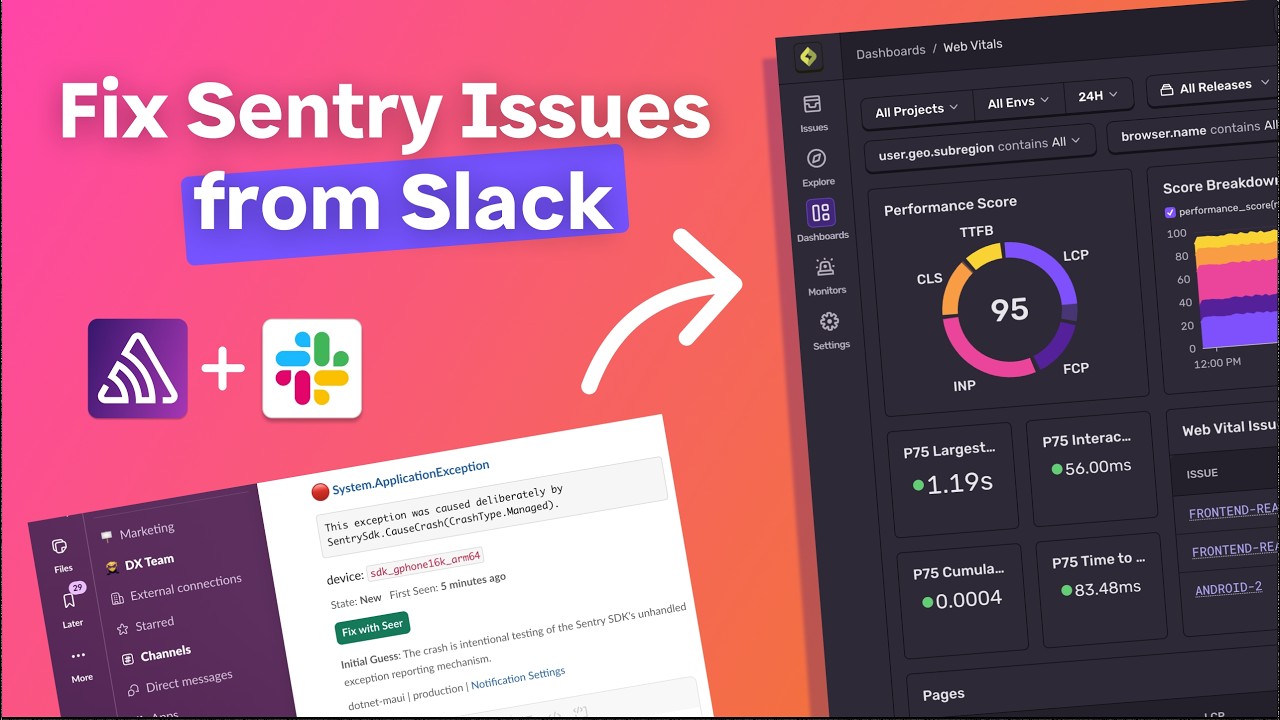
Kick off and track fixes where your team already works, with Slack, Linear, Jira, and PagerDuty.
Explore Integrations →
Automated debugging resources
Blog posts, workshops, customer stories, and recipes for setting up automated debugging.
Showing 6 of 50 resources.
-
 Seer, the Sentry MCP and CLI, or your own coding agent: where each one fits What Seer, the Sentry agent plugin, the CLI, and coding agent handoffs each do, and when to use each one.Blog Oct 2026
 -
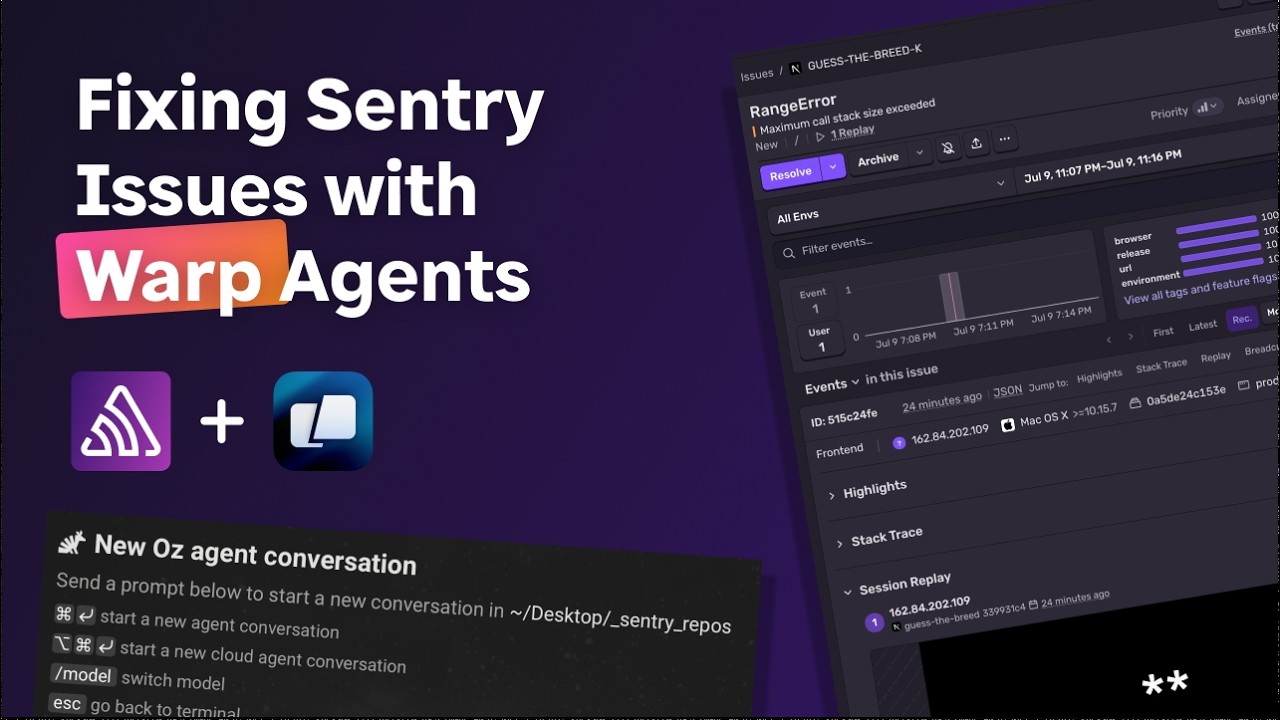
 Powering Warp Factories with Sentry Upcoming livestream: build automated debugging workflows with Sentry in Warp's cloud software factories.Workshop Oct 2026
 -
 Bolt reduced MTTD by 99% with Seer How Bolt went from 30-minute detection times to near-instant with Seer.Customer Story May 2026
 -
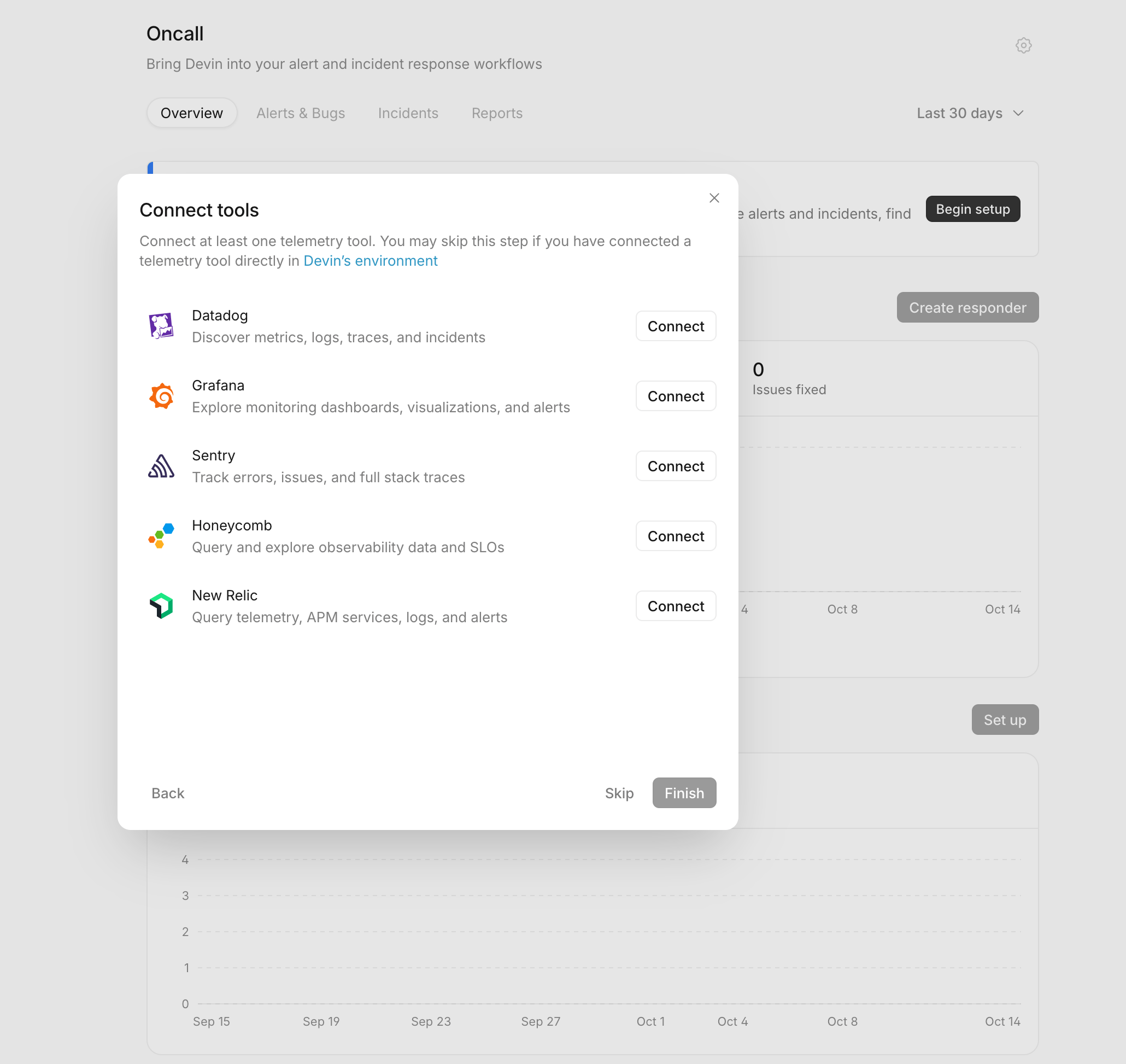 Connect Sentry to Devin Oncall Give Devin Sentry context so it can investigate alerts and incidents, then propose code fixes.Recipe
 -
 Big improvements to Seer Agent Seer Agent can now take action in Sentry for you and pull in infrastructure data to diagnose issues faster.Blog Sep 2026
 -
 Seer Agent: Get Answers. Take Action. Video: ask Seer Agent about your app, then let it take action in Sentry for you.Workshop Oct 2026